
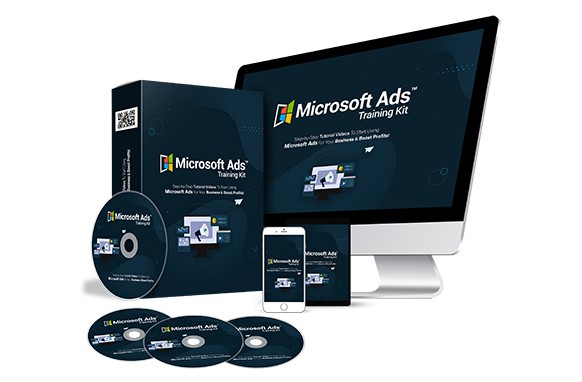
Ready to blast your traffic into the stratosphere? Get your hands on this ‘Microsoft Ads Training Kit’ HD Video Training Course Upgrade Package now and start generating jaw-dropping clicks and profits from your Microsoft Ads campaigns—even if you’re starting from scratch!
You already know how powerful advertising is on Google, Facebook, and YouTube. But have you tapped into Microsoft Ads? Bing, Microsoft’s search engine, is a Google alternative that comes pre-installed on hundreds of millions of devices. That means a massive audience uses Bing daily—potential customers searching for exactly what you offer.
This upgrade includes 35 in-depth, step-by-step screen-recorded training videos that continue from the basic package. They show you precisely how to launch and optimize Microsoft Ads campaigns that can generate life-changing income. Every move is explained clearly.
All videos feature real screen recordings with crystal-clear narration. We’ve covered every essential aspect we believe you need to master Microsoft Ads.
NOTE: This product comes with an “unrestricted” PLR license, giving you complete freedom to modify, rebrand, and sell it as your own.
NOTE: This video training course is the upgrade to the first edition, available at Microsoft Ads Training Kit.
Here’s what you will master in this 15-part over-the-shoulder video training course:
Video 16 – Bulk Editing Ad URLs
Video 17 – Pausing Ads the Right Way
Video 18 – Increasing Ad Bids by Age Group
Video 19 – Boosting Ads in Specific Countries
Video 20 – Optimization Recommendations Decoded
Video 21 – Spying on Competitor Ads with Ad Preview & Diagnostics
Video 22 – Adding High-Performance Keywords
Video 23 – Using Microsoft Keyword Planner Like a Pro
Video 24 – Finding Keywords with Google Keyword Planner
Video 25 – Formatting Keywords for Maximum Impact
Video 26 – Adding Negative Keywords to Save Budget
Video 27 – Setting Your Daily Advertising Budget
Video 28 – Editing an Existing Ad Set
Video 29 – Automate Extensions Ad Overview
Video 30 – Targeting Countries with Precision
Video 31 – Ad Extension Overview
Video 32 – Adding Sitelink Ad Extensions
Video 33 – Adding Action Extensions
Video 34 – Adding FAQ Extensions
Video 35 – Adding Contact Us Extensions
Video 36 – Adding Money Back Guarantee Extensions
Video 37 – Adding Call Extensions
Video 38 – Adding Price Extensions
Video 39 – Adding Structured Snippet Extensions
Video 40 – Adding Callout Extensions
Video 41 – Using Ad Schedule Effectively
Video 42 –
| LICENSE: | |
|---|---|
| FILE SIZE (MB): | 26.9 |
| PRODUCT TYPE: |
Related products
Affiliate Marketing PLR
Affiliate Marketing PLR
SEO and Promotion PLR
Affiliate Marketing PLR

Affiliate Marketing PLR
SEO and Promotion PLR
Affiliate Marketing PLR

Affiliate Marketing PLR


